
YouTube Automation: How to Make Money Without Showing Your Face in 2026
YouTube automation is quietly making people thousands of dollars every month — and the wildest part is that none of them are on camera.
No ring light. No scripted monologue. No obsessing over how you look or sound. Just well-structured video content running on a semi-automated system, racking up views and generating income around the clock.
Sound too good to be true? I get it. I thought the same thing. But faceless YouTube channels have been generating real, documented income for years — and with AI tools making the process faster and cheaper than ever, 2026 is genuinely the best time to start one.
Here’s the problem most people run into: they hear “YouTube automation,” get excited, slap together a few AI-generated videos with no strategy, get zero views, and conclude it doesn’t work. It does work — but only if you do it right.
By the end of this guide, you’ll know exactly how YouTube automation works, which niches actually make money, the full tool stack you need, how to build your first channel step by step, and the mistakes that silently kill most automation channels before they ever take off.
Let’s build something real.
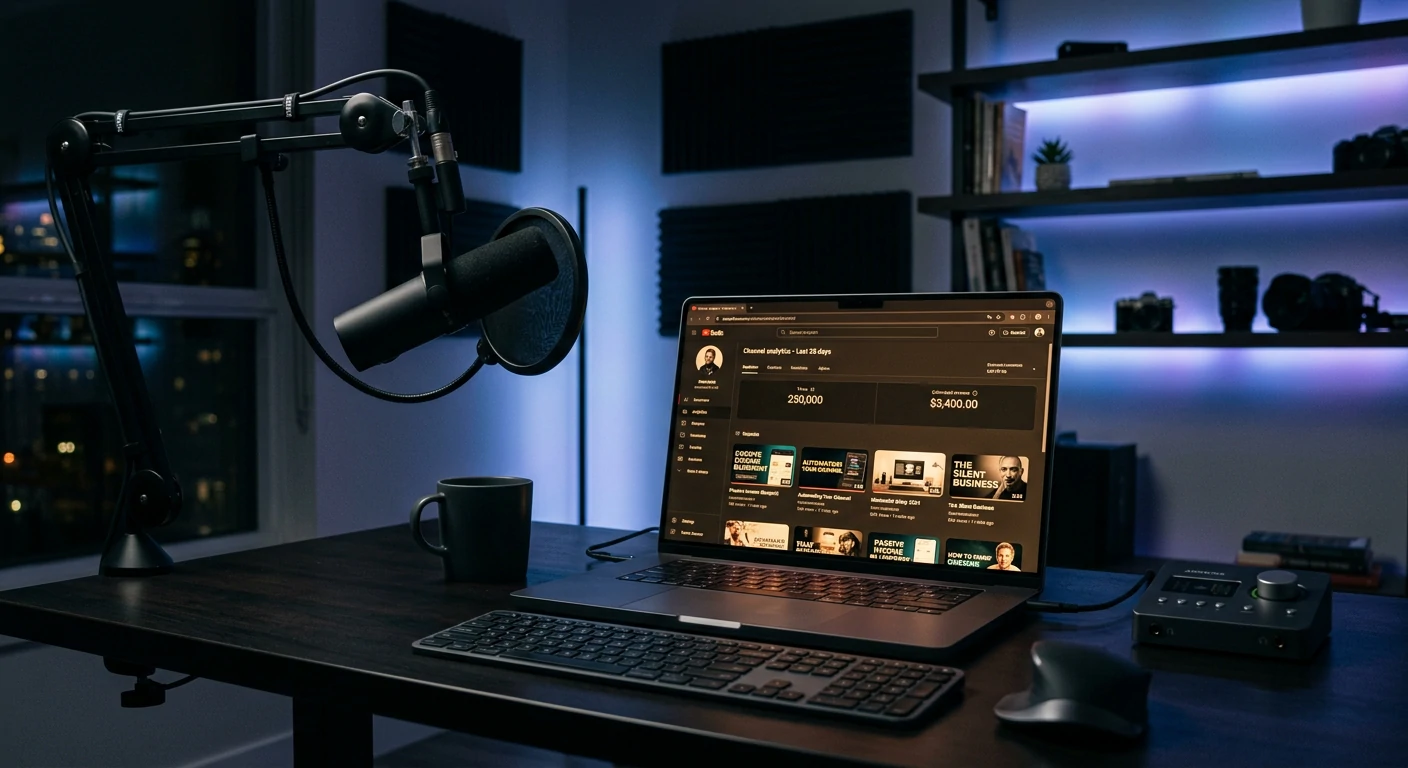
What Is YouTube Automation (And What It Actually Means)
Let’s clear up a common misconception first.
“YouTube automation” doesn’t mean you press a button and YouTube magically generates money for you. That’s not how it works and anyone selling you that dream is lying.
What it actually means is building a YouTube channel where the content creation process is largely delegated — either to AI tools, freelancers, or a combination of both — so that you function as the business owner and director rather than the on-screen talent.
Think of it like running a media company where you own the channel, set the strategy, oversee quality, and manage the output — without personally writing every script, recording every voiceover, or editing every video.
The two main models:
Model 1: The AI-Powered Solo Operation
You use AI tools to handle scripting, voiceovers, visuals, and editing assistance. You review, refine, and publish. This model has the lowest startup cost (often under $50/month) and works well for beginners.
Model 2: The Outsourced Team Model
You hire freelancers for scripting, voiceover, editing, and thumbnails. You manage the operation, approve content, and handle strategy. This model scales faster but requires upfront investment ($500–$2,000/month to operate efficiently).
Most beginners start with Model 1 and gradually transition to Model 2 as income grows. That’s exactly the path we’ll focus on today.
Why YouTube Automation Still Works in 2026
With everyone talking about YouTube automation, you might wonder — is it too late? Is the market saturated?
Short answer: No. But the bar for quality has risen significantly.
Here’s why the opportunity is still very much alive:
YouTube is the second largest search engine in the world. Over 500 hours of video are uploaded every minute, but most of it is low quality. Well-researched, well-produced automated content still stands out.
AI tools have dramatically lowered production costs. What used to require a $3,000 editing suite and professional voiceover artist can now be done for $30/month.
Viewer behavior has shifted. People are increasingly comfortable watching narrated, visually-driven content without a talking head. Documentary style, explainer, and listicle formats perform exceptionally well.
Monetization paths have expanded. In 2026, you’re not just earning from AdSense. Affiliate links, digital products, sponsorships, and channel memberships stack on top of ad revenue.
The channels failing at automation in 2026 aren’t failing because the model is broken. They’re failing because they’re in the wrong niche, producing low-quality content, or ignoring basic YouTube SEO.
Get those three things right, and automation works.
The Best Niches for YouTube Automation in 2026
Niche selection is the single most important decision you’ll make. Pick the wrong one and you’ll work hard for months with almost nothing to show for it. Pick the right one and the same effort generates compounding income.
Here’s what makes a niche work for automation:
High advertiser demand (high CPM = more money per 1,000 views)
Evergreen content (videos stay relevant for years, not weeks)
No face required (topic works in narrated/visual format naturally)
Large, searchable audience (people actively search for this content)
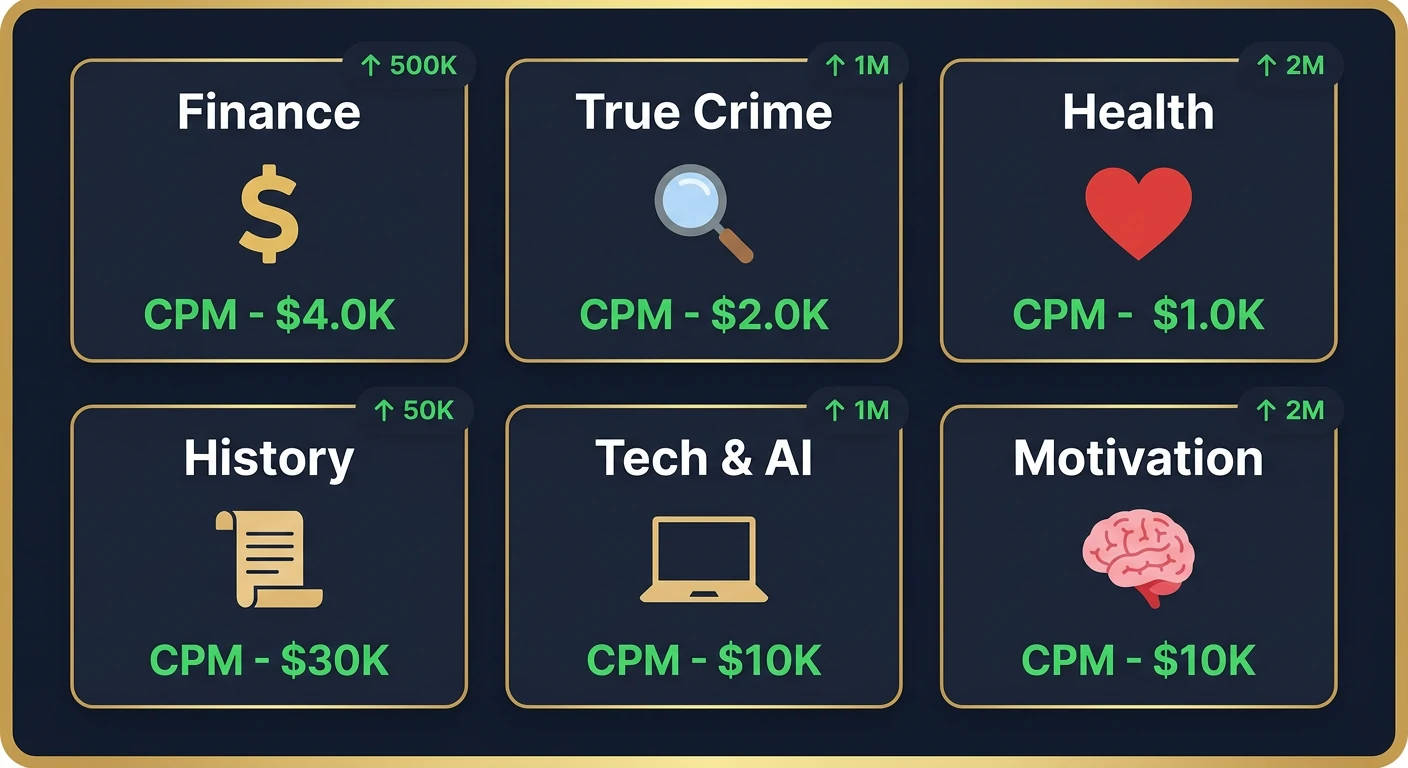
Top Performing Automation Niches in 2026
Finance and Money 💰
CPM: $15–$45 | Why it works: Money questions never go away. “How to invest $1,000,” “best savings accounts,” “how to pay off debt fast” — evergreen, high-CPM, endlessly searchable.
Health and Longevity 🏥
CPM: $12–$35 | Why it works: People are obsessed with living longer and feeling better. Supplement reviews, diet comparisons, sleep science — all work brilliantly in narrated format.
True Crime and Mystery 🔍
CPM: $8–$20 | Why it works: Massive, loyal audience. Stock footage and dramatized visuals pair perfectly with AI narration. Channels in this niche regularly hit millions of views per video.
History and Documentaries 📜
CPM: $10–$25 | Why it works: Archive footage + AI voiceover = compelling content. History channels can publish evergreen content that drives views for years.
Tech and AI News 💻
CPM: $12–$30 | Why it works: Fastest-growing content category. Screen recordings, product images, and demo footage eliminate any need for a on-camera presenter.
Motivation and Self-Improvement 🧠
CPM: $8–$20 | Why it works: Quote compilations, mindset content, success stories — high volume, passionate audience, works perfectly with AI visuals and narration.
Luxury and Wealth Lifestyle 💎
CPM: $15–$40 | Why it works: “Inside a $50 million mansion,” “most expensive watches” — aspirational content with massive click-through rates and strong advertiser interest.
Pro tip: Don’t just pick the highest CPM niche. Pick the one where you can produce content you genuinely find interesting. Channels built on niches the creator cares nothing about become a grind fast — and that shows in the quality.
The Complete YouTube Automation Tool Stack
Here’s every tool you need to run a lean, effective automated YouTube channel in 2026, organized by function:
Scripting and Research
ChatGPT Plus ($20/month) or Claude Pro ($20/month)
Your primary content engine. Use it to research topics, generate video scripts, create hooks, and brainstorm title variations. Prompt it well and it produces genuinely strong first drafts that you refine and elevate.
VidIQ or TubeBuddy ($10–$50/month)
Essential for YouTube keyword research. These tools show you exactly what people are searching for, how competitive each keyword is, and what titles are performing best in your niche.
Voiceover
ElevenLabs ($5–$22/month)
The gold standard for AI voiceover in 2026. The voices are remarkably natural — many viewers can’t distinguish them from human narrators. You can clone a voice, choose from dozens of presets, and adjust pacing and tone.
Murf AI ($29/month)
Great alternative with strong studio-quality voices and an intuitive editing interface. Excellent if you want more granular control over pronunciation and emphasis.
Video Creation and Editing
Pictory ($19–$39/month)
Paste your script in, and Pictory automatically matches scenes with relevant stock footage from its library. Great for beginners who want a fast, low-friction video creation process.
InVideo AI ($30/month)
More feature-rich than Pictory. You can prompt it with a video concept and it builds a rough cut using AI. Strong for finance, news, and explainer content.
CapCut (Free) or DaVinci Resolve (Free)
For anyone wanting more creative control over final edits. Both are free and more than capable of producing professional-looking results.
Thumbnails
Canva Pro ($15/month)
Non-negotiable for thumbnails. The difference between a good thumbnail and a bad one can be a 300% difference in click-through rate. Canva makes it fast and easy to create high-CTR thumbnails even without design experience.
Midjourney ($10–$30/month)
For creating unique, eye-catching AI-generated images for thumbnails that stock photo sites don’t have.
Scheduling and SEO
TubeBuddy or VidIQ
Beyond keyword research, both tools help you optimize titles, descriptions, and tags before publishing. Essential for getting your videos found.
Notion (Free)
Use it to manage your content calendar, track video performance, and organize your channel strategy. Simple but powerful.
Total beginner stack cost: ~$75–$120/month
That’s your operating budget for a fully functional automated YouTube channel. Once you’re earning $500+/month, you can start adding freelancers to scale faster.
How to Start a YouTube Automation Channel: Step-by-Step
Step 1: Choose Your Niche and Validate It
Before creating a single video, spend one week on research.
Go to YouTube and search your potential niche topic. Look at the top channels. Are there channels with under 100K subscribers that have videos with 500K+ views? That’s your signal — strong demand, not yet fully saturated.
Use VidIQ or TubeBuddy to find keywords with:
10,000+ monthly searches
Low-to-medium competition
Recent videos from channels with under 50K subscribers performing well
This research phase is what separates channels that grow from channels that languish.
Step 2: Set Up Your Channel Professionally
Your channel name and branding matter more than most beginners think. A professional-looking channel signals to YouTube’s algorithm and new viewers that you’re a credible creator.
Channel name: Choose something niche-relevant but not too narrow. “Apex Finance” works better than “John’s Money Tips”
Logo and banner: Use Canva Pro templates — takes 30 minutes, looks completely professional
Channel description: Include your main keyword naturally and tell viewers exactly what your channel is about
Channel trailer: A 60-90 second overview video that plays for non-subscribers. Use your AI voiceover from day one.
Step 3: Create Your First 10 Videos
Your first 10 videos are your foundation. Don’t rush them, but don’t over-perfect them either. Here’s the workflow for each video:
The Production Workflow:
Keyword research — Find a topic with solid search volume and manageable competition (VidIQ)
Script creation — Prompt ChatGPT with your topic, target audience, and video length. Edit the output for accuracy, personality, and flow. Add personal insights AI can’t provide.
Voiceover recording — Paste your final script into ElevenLabs. Generate, listen, adjust pacing as needed.
Video assembly — Upload voiceover to Pictory or InVideo. Let AI match stock footage. Review and adjust scenes that don’t fit.
Thumbnail creation — Create 2 thumbnail variations in Canva. Test both using TubeBuddy’s thumbnail A/B testing feature.
Title and description — Write 5 title variations. Choose the one that best balances keyword inclusion with curiosity/benefit. Write a keyword-rich description with timestamps and relevant links.
Upload and optimize — Add all relevant tags, select appropriate category, add to a playlist, and set your premiere or publish time (Tuesday–Thursday, 2–4 PM in your target audience’s timezone generally performs well).
Time investment per video: 2–4 hours using this AI-assisted workflow. Compare that to 12–20 hours for traditionally produced content.
Step 4: Publish Consistently and Be Patient
This is where 80% of automation channel attempts fail. People publish 5-10 videos, see modest results, and quit.
Here’s the reality of YouTube growth:
Months 1-3: Almost no views. The algorithm doesn’t know who you are yet. This is normal.
Months 3-5: Some videos start finding traction. One or two perform significantly better than the rest. Study why.
Months 5-8: Consistent growth begins. One video might go semi-viral. Subscribers start compounding.
Months 8-12: Hitting monetization thresholds (1,000 subscribers + 4,000 watch hours). Income begins.
Publish at minimum 2 videos per week. Channels publishing 3-4 videos per week during their first 6 months grow 2-3x faster than channels publishing once a week. Frequency matters enormously in the early stages.
Step 5: Monetize Beyond AdSense
AdSense is just the starting point. The real money in YouTube automation in 2026 comes from layering multiple income streams on top of your base ad revenue.
How to Make Real Money with YouTube Automation
Let’s talk numbers and strategy.
Income Stream 1: YouTube AdSense
Once you hit monetization requirements, AdSense kicks in. Your earnings depend on your niche CPM (cost per thousand views) and your view volume.
Example math:
Finance channel, 200,000 views/month
Average CPM: $20
AdSense earnings: ~$4,000/month
That’s from views alone — and the content is still working 24/7 to generate those views from videos you published months ago.
Income Stream 2: Affiliate Marketing
This is often where automation channels earn MORE than AdSense, especially in niches like finance, tech, and software.
Examples:
Finance channel reviewing a budgeting app → $30–$150 per sign-up
Tech channel recommending a VPN → $50–$100 per sale (NordVPN, ExpressVPN pay extremely well)
Self-improvement channel linking books → Amazon Associates 4.5% commission
AI tools channel reviewing software → 20-40% recurring commissions on many SaaS tools
Every video description becomes a monetization opportunity. A finance video gets $20 CPM from ads PLUS affiliate commissions on every financial tool mentioned. That stacks into serious income.
Income Stream 3: Sponsorships
Once you hit 10,000–25,000 subscribers, brands in your niche will start reaching out. Or you reach out to them.
Sponsorship rates in 2026:
10K–50K subscribers: $200–$1,000 per integration
50K–100K subscribers: $1,000–$3,000 per integration
100K+ subscribers: $3,000–$10,000+ per integration
Two sponsorships per month at a modest rate adds $400–$2,000/month on top of everything else.
Income Stream 4: Digital Products
This is the highest-margin income stream available to automation channel owners.
Create a digital product that naturally extends the value of your channel content:
Finance channel → Budget spreadsheet template ($17–$47)
History channel → History study guides or quiz packs ($9–$19)
Self-improvement channel → 90-day mindset journal ($19–$37)
Tech channel → AI tools beginner guide ($27–$47)
Even selling 20 units/month at $27 adds $540/month with virtually zero overhead.
Income Stream 5: Channel Memberships
Once monetized, offer channel memberships ($2.99–$9.99/month) for exclusive content, behind-the-scenes, or early access to videos. Even 100 members at $4.99/month = $499/month in recurring income.
Combined realistic income at 12 months (finance niche, 3 videos/week):
AdSense: $800–$2,500
Affiliate commissions: $500–$2,000
Sponsorships: $400–$1,500
Digital products: $300–$800
Total: $2,000–$6,800/month
That’s a real business. Built without showing your face once.
7 Mistakes That Kill YouTube Automation Channels
These are the patterns I see repeatedly in channels that fail. Avoid these and you’re already ahead of 90% of beginners:
1. Choosing a niche based purely on CPM.
A $40 CPM niche you know nothing about and care nothing about will produce mediocre content. Mediocre content doesn’t rank. Pick something at the intersection of high CPM and genuine interest.
2. Using raw, unedited AI scripts.
AI scripts are a starting point, not a finished product. They need your voice, your perspective, real data, and human insights. Raw AI content is detectable and boring — two things that destroy watch time and rankings.
3. Ignoring thumbnail quality.
Your thumbnail and title are 80% of whether someone clicks. I’ve seen channels with brilliant content fail simply because their thumbnails look amateurish. Spend real time here.
4. Inconsistent publishing.
The YouTube algorithm rewards consistency aggressively. One video a week when you feel like it produces dramatically worse results than two videos every week like clockwork.
5. Buying views or subscribers.
This is an instant channel killer. Fake engagement destroys your watch time percentage, signals to YouTube that your content isn’t connecting, and can get your channel terminated.
6. Ignoring analytics.
Your YouTube Studio analytics are a goldmine. Watch time drop-off points tell you exactly where viewers lose interest. Click-through rates tell you if your thumbnails and titles are working. Check your analytics weekly.
7. Giving up in months 1-4.
Almost every successful automation channel looked like a failure in its first four months. The growth curve on YouTube is exponential, not linear — which means long flatness followed by sudden acceleration. The channels that make it are the ones that keep publishing through the flat part.
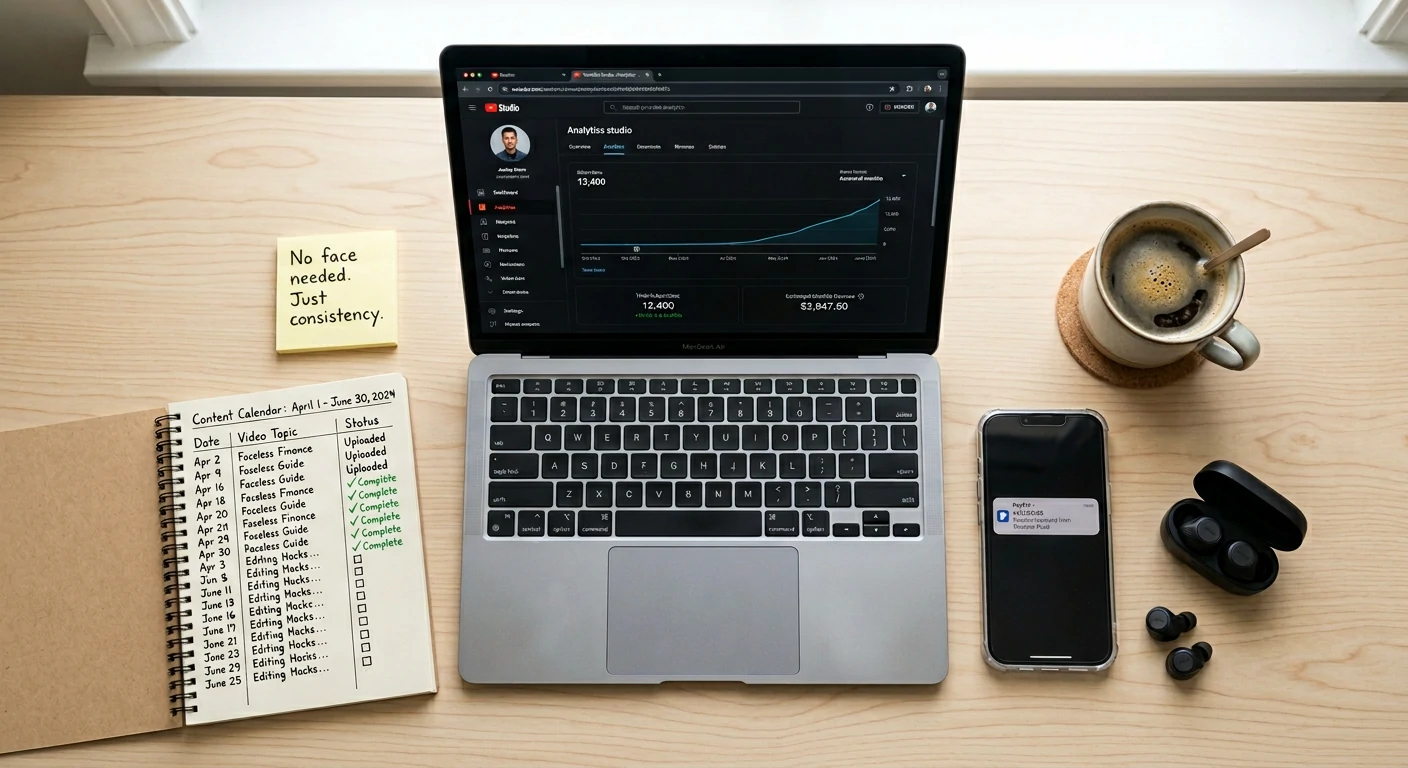
Your 90-Day YouTube Automation Launch Plan
Let me make this as concrete as possible:
Days 1–7: Research and Setup
Choose your niche (use the criteria above)
Validate with VidIQ keyword research
Create your channel, logo, banner, and channel description
Sign up for your core tool stack (ElevenLabs, Pictory or InVideo, Canva Pro, VidIQ)
Study 5 successful channels in your niche — analyze their titles, thumbnails, video length, and content structure
Days 8–30: First 8 Videos
Target 2 videos per week minimum
Focus on keyword-targeted topics (search volume > competition)
Spend extra time on thumbnails — test two variations per video
Don’t obsess over perfection — done beats perfect at this stage
Analyze what’s working after your first 8 videos
Days 31–60: Optimize and Accelerate
Increase to 3 videos/week if possible
Start building an email list (add a lead magnet link to every video description)
Begin researching affiliate programs relevant to your niche
Update underperforming titles and thumbnails on early videos (this alone can revive dead videos)
Days 61–90: Monetize and Scale
Apply for YouTube Partner Program if you’ve hit thresholds (or keep pushing toward them)
Add affiliate links to all video descriptions
Create your first simple digital product
Research potential sponsors in your niche (reach out proactively — don’t wait for them to find you)
Evaluate outsourcing one part of the process (scripting or editing) if income allows
Ninety days of disciplined execution puts you in a completely different position than where you are today. Not rich — but with a growing channel, real data on what works, and the beginning of real income.
Conclusion: The Camera-Free Channel That Actually Pays
Here’s the bottom line on YouTube automation: it works, it’s scalable, and it’s more accessible than ever in 2026 thanks to AI tools that handle the most time-intensive parts of video production.
But it’s not a get-rich-quick scheme. It’s a business. And like any business, it rewards people who pick the right market, execute consistently, and stay in the game long enough for compounding to kick in.
The faceless channels earning $5,000, $10,000, $20,000+ per month didn’t appear overnight. They were built video by video, week by week, by people who had the same doubts you probably have right now — and chose to act anyway.
You don’t need a face. You don’t need a studio. You don’t need experience.
You need a niche, a plan, the right tools, and the discipline to publish consistently for 6–12 months.
Everything you need is in this guide. The next move is yours.

